Declaring Variables for BBQ2GO Restaurant
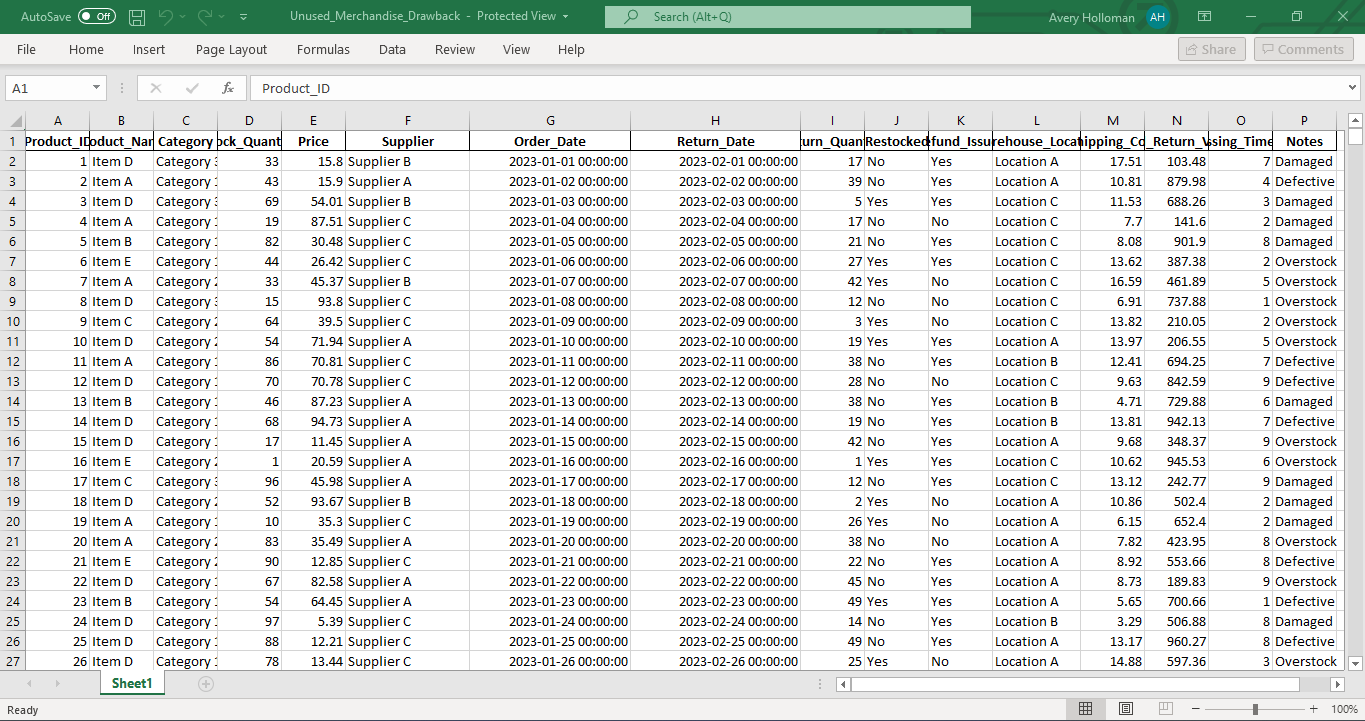

When I write code for BBQ2GO’s restaurant management system, I always make sure to explicitly declare variables in VBA. To do this, I use the Dim statement, followed by the variable name and its type. If I accidentally use a variable without declaring it or if I forget to specify its type, VBA will default the variable to Variant, which I try to avoid.
One of the first things I do is include Option Explicit at the top of each module. This forces me to declare all variables before I use them, and it’s saved me from countless typo and spelling mistakes. It also ensures that variables and objects maintain their intended type, which is essential when tracking BBQ orders or updating our inventory system.
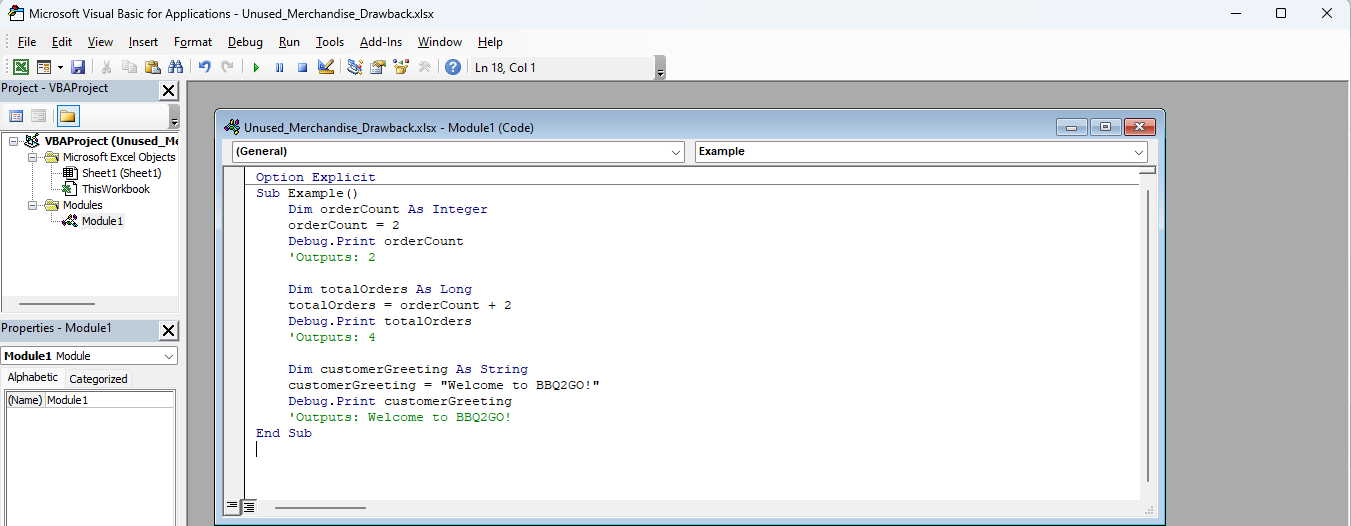
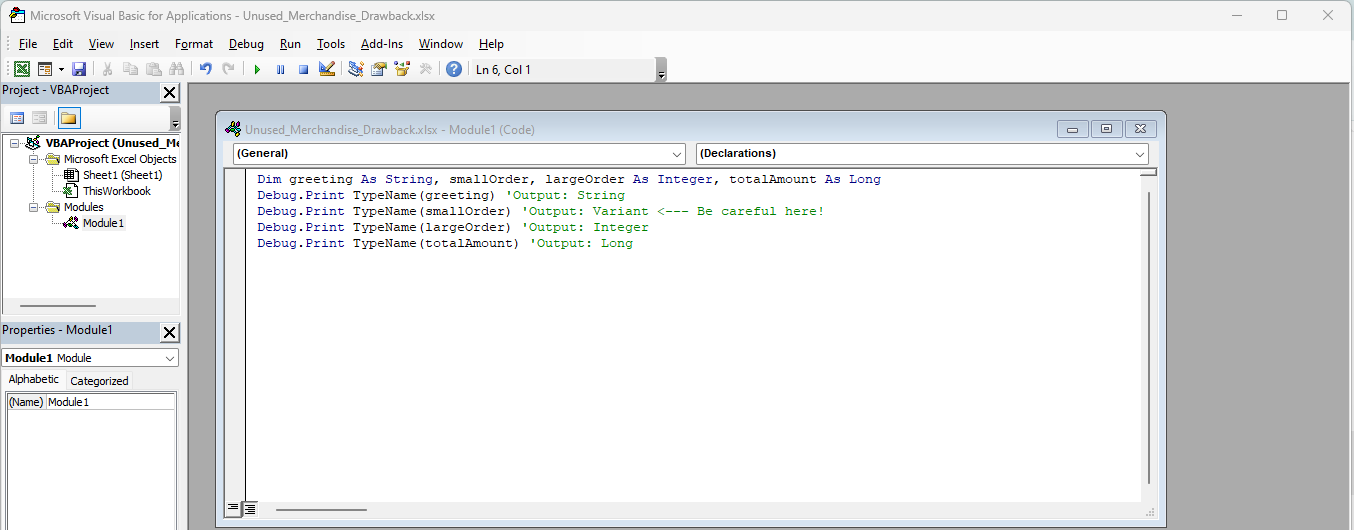
I sometimes declare multiple variables on a single line, but I’m careful to declare each type individually. If I don’t, it defaults to Variant, which isn’t what I want when tracking specific data, like the number of ribs or briskets ordered.
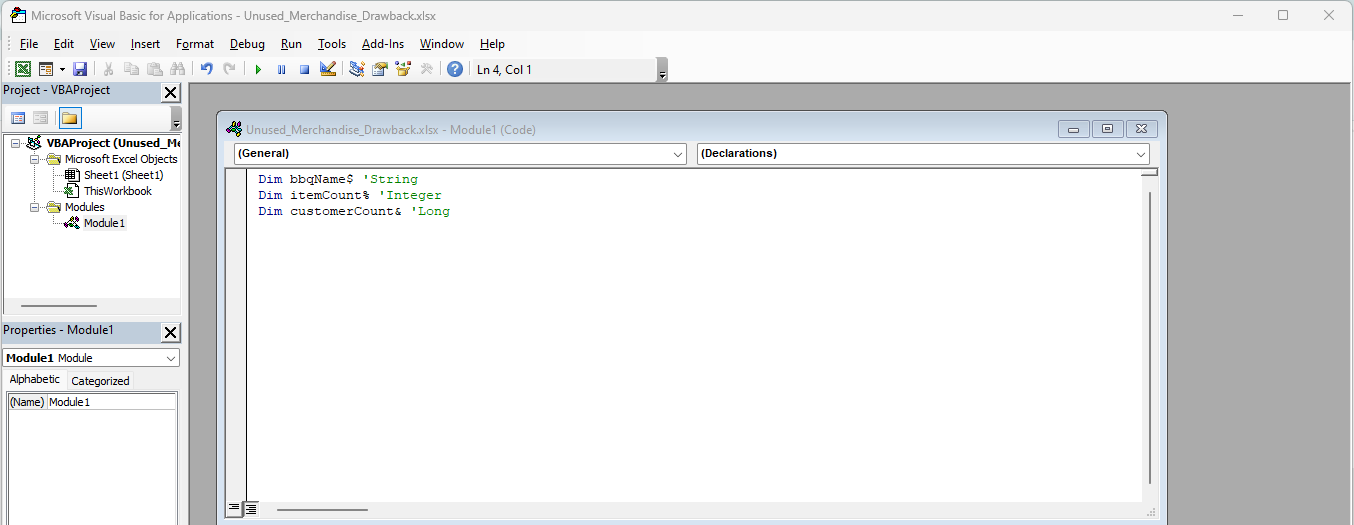
While it’s possible to declare variables using data type character suffixes (like $, %, or &), I personally avoid these in my BBQ2GO code since they tend to clutter things up. Instead, I stick to straightforward declarations:
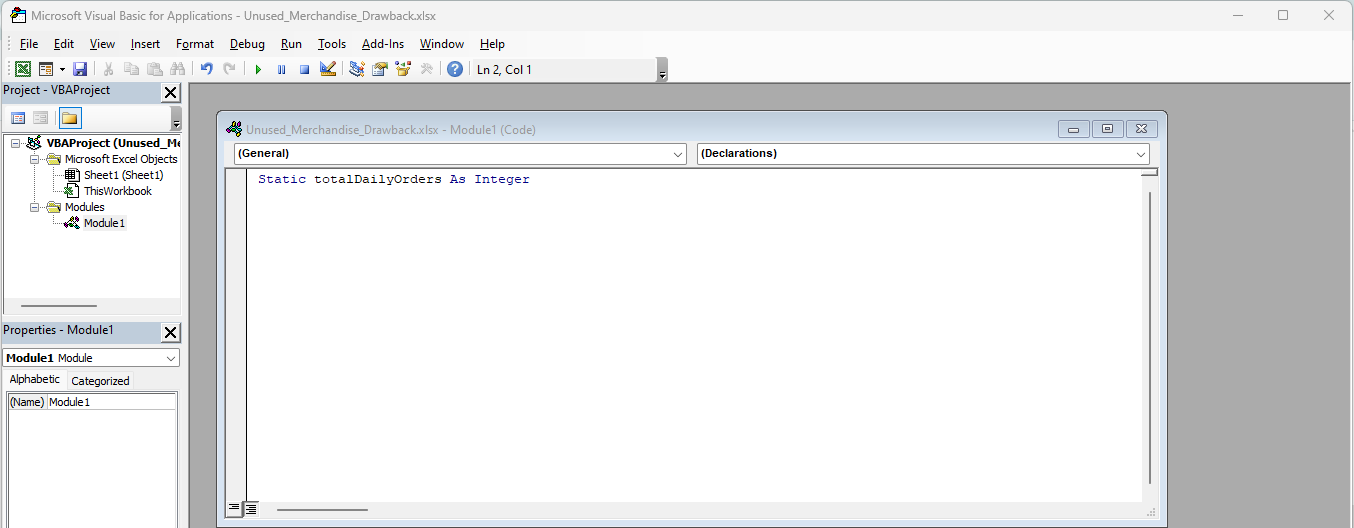
If I need a variable to retain its value between calls, like when keeping track of the day’s orders, I use Static
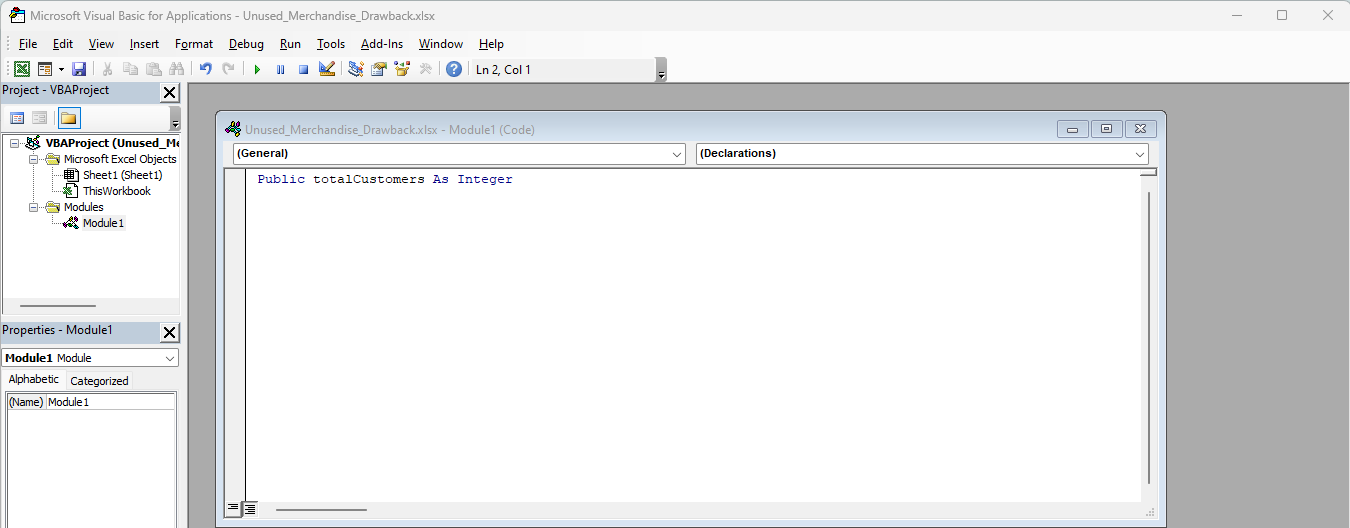
For variables that I want to be accessible throughout the entire project, like a counter for total customers served, I use Public:
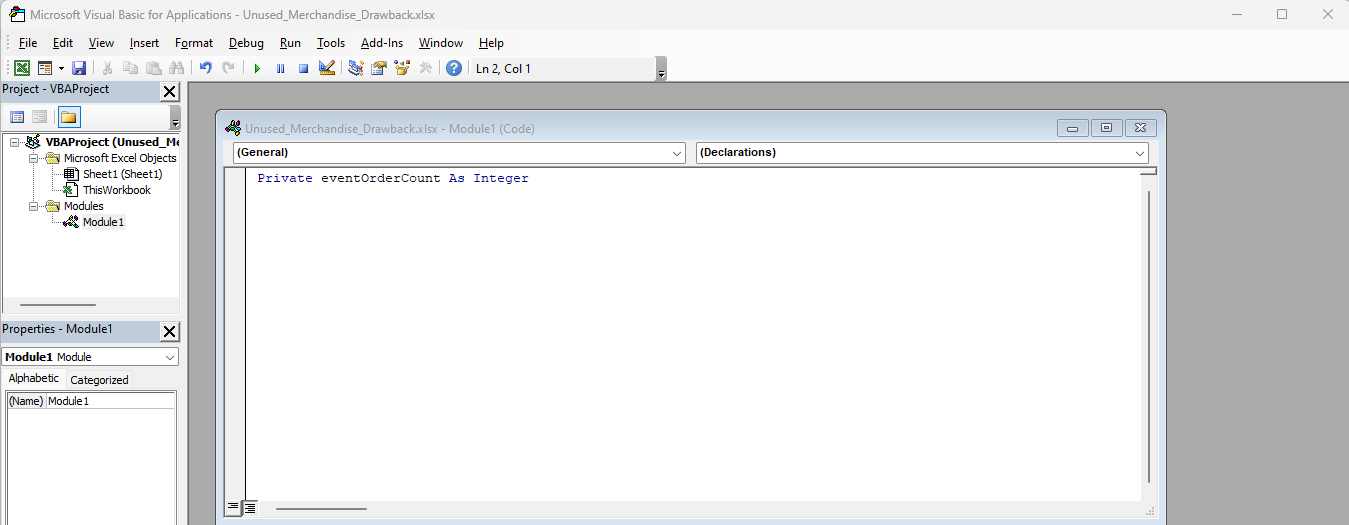
On the other hand, if the variable is only needed within a specific module, such as handling a particular BBQ event order, I’ll declare it Private:
This approach keeps my BBQ2GO restaurant system running smoothly and ensures that I’m always in control of the variables I use!